
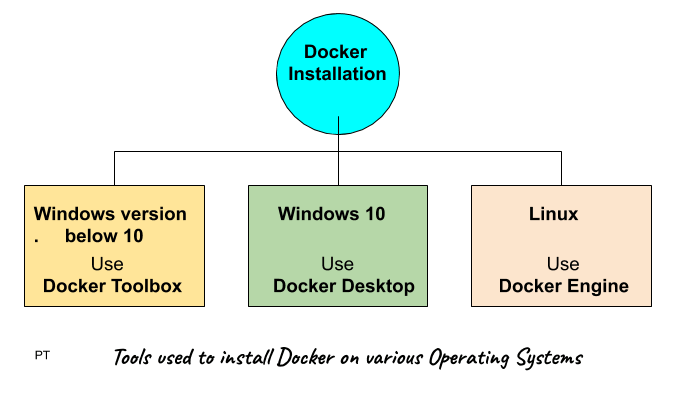
1. Docker installation on windows 10 pro
System requirements:
- Windows 10 64-bit: Pro, Enterprise, or Education (Build 15063 or later).
- Hyper-V and Containers Windows features must be enabled.
- The following hardware prerequisites are required to successfully run Client Hyper-V on Windows 10:
- 64 bit processor
- 4GB system RAM
- BIOS-level hardware virtualization
Installation includes
- Docker Engine
- Docker CLI
- Docker Compose
- Docker machine
- Kitematic
Installation Steps :
- Download the installer from Docker HUB. Docker Desktop Installer.exe (sign up to start the download)
- Follow the instructions which comes on the screen.
- Click Finish to complete setup and start Docker desktop application
Test successful installation
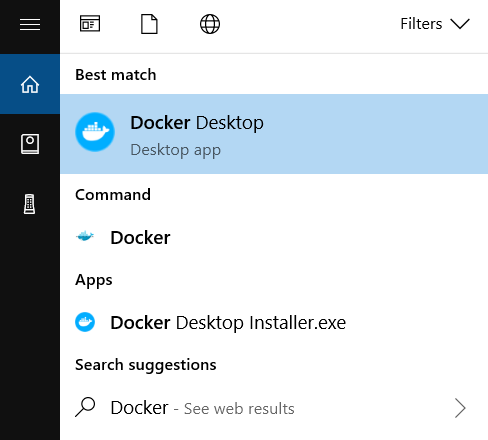
- Open the Docker desktop application
- Open a command prompt and type
$ docker -v
If it returns the version it means docker is installed successfully. - And also test by typing
$ docker run hello-world
Should return a message “Hello from Docker!”
2. Docker installation on Linux
OS requirement
You will need 64 bit version of linux like Ubuntu.
Installation Steps
- Install docker Engine first
Update the apt package index:
$ sudo apt-get update - Install packages to allow apt to use a repository over HTTPS:
$ sudo apt-get install \
apt-transport-https \
ca-certificates \
curl \
gnupg-agent \
software-properties-common - Verify that Docker Engine – Community is installed correctly by running the hello-world image.
$ sudo docker run hello-world
Which should return a message “Hello from Docker!”